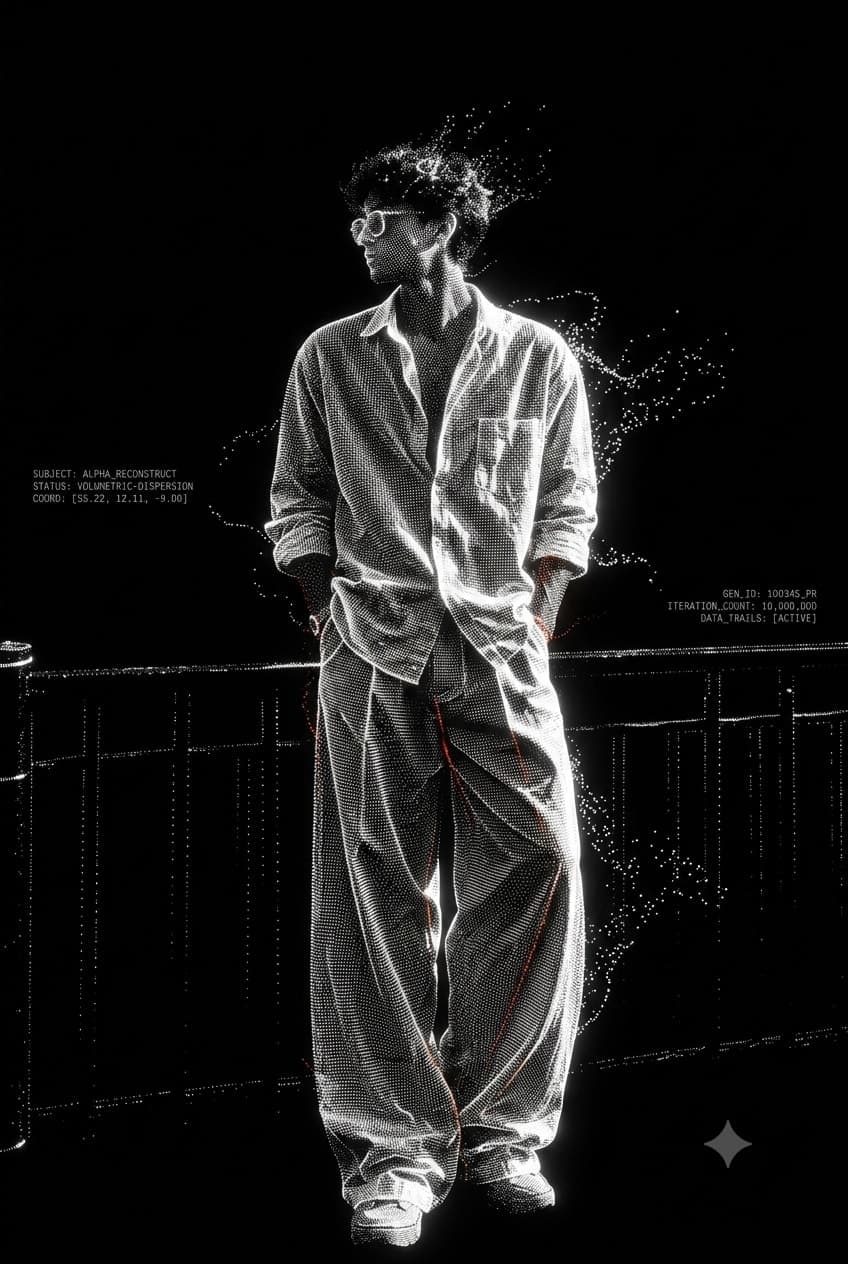
Turn the uploaded reference into a hyper-realistic thermocol sculpture through a continuous 5-scene process — carving, cleaning, gradual painting, and final detailing. Keep the exact same sculpture and position throughout, with realistic thermocol texture, workshop ASMR, natural hand movements, and 100% reference accuracy.
Free
0 copies
The prompt
REFERENCE LOCK – ABSOLUTE PRIORITY: Use the uploaded reference image as the ONLY blueprint. The sculpture must become an exact thermocol replica of the uploaded reference. Do not redesign, beautify, simplify, or replace the subject. There must be ONLY ONE continuous thermocol sculpture throughout the entire video. Never restart the carving, never show separate body parts, never replace the sculpture, and never use before/after transitions. Create a realistic workshop scene where a professional sculptor is making the uploaded reference entirely from a single white thermocol block. Every scene is a continuation of the previous one, with the sculpture staying in the exact same position. Scene 1: The sculpture is almost completely carved. The upper portion (head, face, shoulders, or upper object) is already finished with sharp details, while the lower portion is still rough and attached to the original thermocol block. The sculptor carefully carves only the unfinished lower section with precision tools. Every knife cut follows the uploaded reference exactly. White thermocol particles naturally fall onto the table. Scene 2: The carving is now fully complete. The sculptor uses a soft brush to gently remove every thermocol particle from the same sculpture. The brush moves across the face, hair, shoulders, and every detail, cleaning the surface. Fine dust falls naturally. The sculpture remains completely white thermocol with no paint applied yet. Scene 3: The sculptor begins painting the SAME sculpture using a small paintbrush. Painting starts only from the top. The head, hair, and upper shoulders are already painted with realistic colors matching the uploaded reference, while the middle and lower portions remain plain white thermocol. The paint transition is clearly visible. The brush is actively applying fresh paint where the colored section meets the white section. It must look like the painting is still in progress, not finished. Scene 4: More of the sculpture is painted. Around 70–80% is now colored, while the bottom section is still white thermocol. The artist continues carefully painting downward with visible brush strokes. Wet paint, realistic brush movement. The sculpture never changes position. Scene 5: The entire sculpture is now fully painted. The artist adds tiny finishing details with a fine brush, then lightly applies a protective matte clear coat. The completed sculpture looks exactly like the uploaded reference image. Style: Hyper-realistic, photorealistic, Instagram viral thermocol carving trend, realistic workshop, professional sculptor, authentic thermocol texture, macro cinematography, realistic human hands, visible brush strokes, gradual painting process, no instant transformation, no jump cuts, no time-lapse, no separate pieces, no duplicated sculpture, no AI artifacts, 8K HDR, satisfying ASMR, maintain 100% reference accuracy.
2901 characters
Use this prompt in
How to get the most from it
Tips for Better Results
Use a clear, high-resolution reference image.
Use the reference as the only blueprint.
Keep the same sculpture, position, camera angle, and lighting throughout.
Describe each carving and painting stage clearly.
Emphasize gradual progress instead of instant transformation.
Add realistic thermocol dust, particles, wet paint, and brush strokes.
Use negative instructions like no duplicate sculpture, no separate pieces, and no jump cuts.
Keep the final sculpture identical to the uploaded reference.
A futuristic point-cloud portrait built from thousands of glowing white particles on a pure black background, blending brutalist minimalism with experimental generative AI art.