Raksha Bandhan Krishna AI Photo Prompt – Create a Divine Sister-Brother Portrait | Makeframe
IG postsChatGPT ImageBeginnerGod's ai prompt
Raksha Bandhan Krishna AI Photo Prompt – Create a Divine Sister-Brother Portrait
Create a beautiful Raksha Bandhan AI photo featuring your uploaded girl with adorable baby Krishna. Preserve the girl's identity while creating a realistic festive scene with a rakhi, Krishna, diya, flowers, and traditional decorations.
Free
0 copies
The prompt
Use the user-uploaded photo as the primary identity and appearance reference for the girl. Preserve her identity exactly and naturally. Keep her original facial structure, face shape, eyes, eyebrows, nose, lips, jawline, skin tone, hairstyle, hair texture, body proportions, age, and every other recognizable facial characteristic unchanged.

Transform the uploaded photo into a high-quality realistic Raksha Bandhan portrait, inspired by the provided reference style. The girl from the uploaded photo must remain clearly recognizable as the same person, with minimal editing and no unnecessary morphing.

Create a warm, emotional Raksha Bandhan scene where the girl is naturally sitting and tying a beautiful rakhi on the wrist of a cute 3D CGI baby Lord Krishna. Krishna is sitting or standing naturally in front of her, extending his wrist toward her while she carefully ties the rakhi.

Baby Lord Krishna should have big expressive eyes, curly dark hair, a beautiful peacock feather crown, traditional yellow and blue attire, pearl necklace, and subtle golden jewelry. His appearance should be cute, divine, polished, and high-quality 3D CGI while maintaining a natural interaction with the photorealistic girl.

The girl should have a natural, gentle, affectionate expression appropriate for a sister celebrating Raksha Bandhan with her little brother. Her hands and fingers must look anatomically correct while tying the rakhi. The rakhi should be clearly visible on Krishna’s wrist.

Use a soft light-blue or pastel studio background, gentle studio lighting, subtle shadows, warm highlights, and a peaceful divine atmosphere. Create a seamless combination of realistic photography for the girl and premium cute 3D CGI for Krishna.

Strict Identity Preservation

Preserve the uploaded girl's identity A to Z.

Do not change, regenerate, or replace her face.

Do not alter facial proportions or distinctive features.

Do not change her natural skin tone.

Preserve her original hairstyle and hair texture.

Preserve her original age and body proportions.

Do not slim, enlarge, reshape, or morph her body.

Do not unnecessarily beautify or modify her facial features.

Avoid excessive skin smoothing, face retouching, or beauty filters.

Keep her natural facial details, eyes, nose, lips, jawline, and expression authentic.

Maintain realistic hands, fingers, arms, and body anatomy.

The girl must look like the exact same person from the uploaded photo, not a similar-looking person.


Minimal Editing Rule

Use the uploaded image as the source identity reference, not merely as inspiration. Only modify the environment, pose, clothing if absolutely necessary, and surrounding elements required to create the Raksha Bandhan scene.

Do not perform unnecessary face swapping, facial reconstruction, beautification, body morphing, or identity-changing edits.

The final image should look like a real photograph of the uploaded girl celebrating Raksha Bandhan with a cute divine 3D baby Krishna, with natural interaction and believable lighting.

Ultra-realistic photography, natural skin texture, accurate anatomy, seamless CGI integration, soft studio lighting, warm divine atmosphere, sharp focus, highly detailed, premium quality, 8K look, vertical 4:5 aspect ratio.
3273 characters
Use this prompt in
How to get the most from it
Use a clear, high-quality front-facing photo.
Make sure the face is clearly visible and not heavily blurred.
Use good lighting for better identity preservation.
Upload a photo where the person's full face and hairstyle are visible.
For the most realistic result, keep the girl's natural facial features unchanged.
If hands look unnatural, regenerate with emphasis on anatomically correct hands and fingers.
Ask the AI to keep the rakhi clearly visible on Krishna's wrist.
Use a vertical 4:5 format for Instagram and Pinterest.
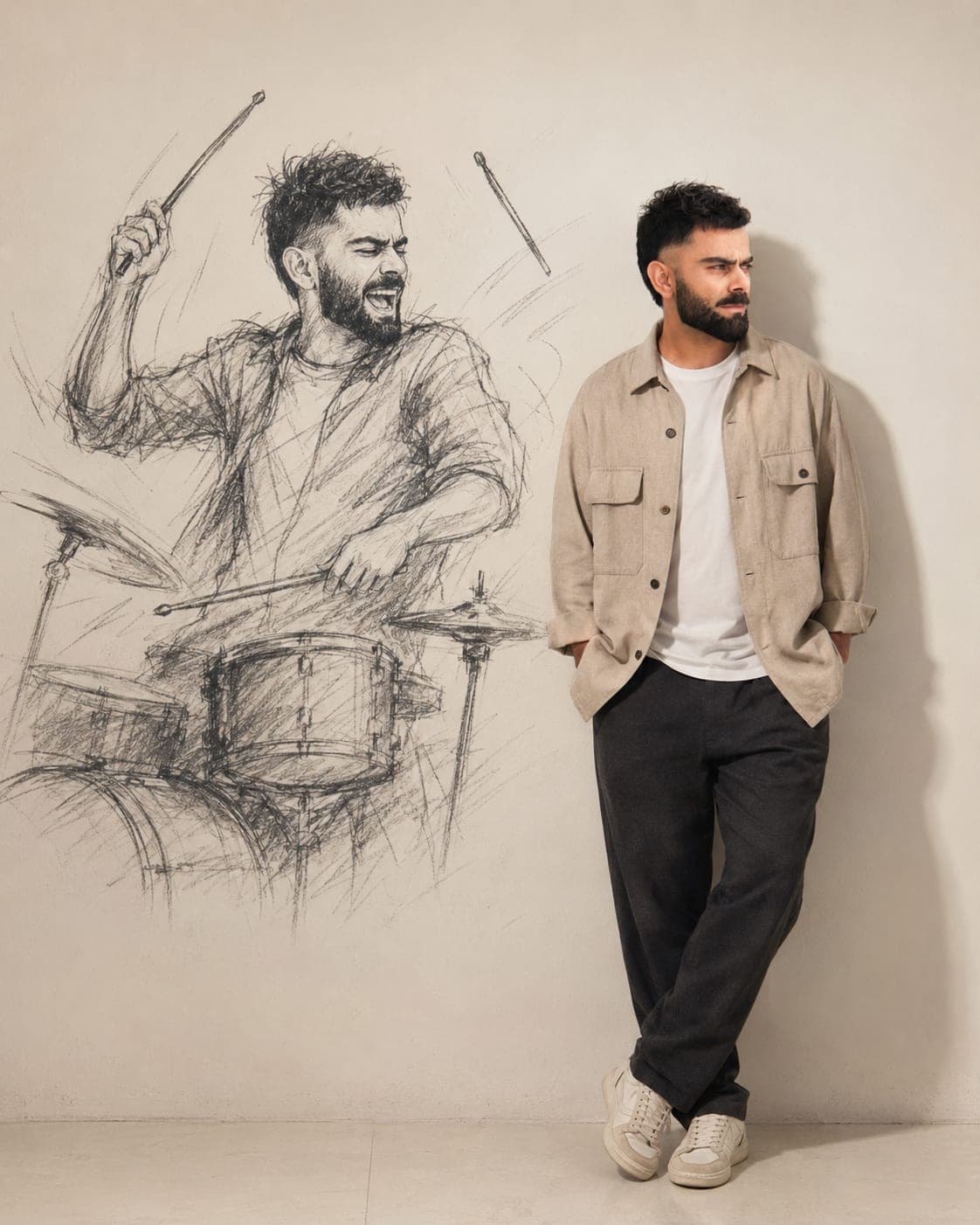
Turn your photo into a cinematic AI portrait where your real, photorealistic self stands beside a larger-than-life charcoal sketch version of yourself. Keep the facial features, hair, beard, proportions, and skin tone consistent while creating a creative contrast between reality and imagination.
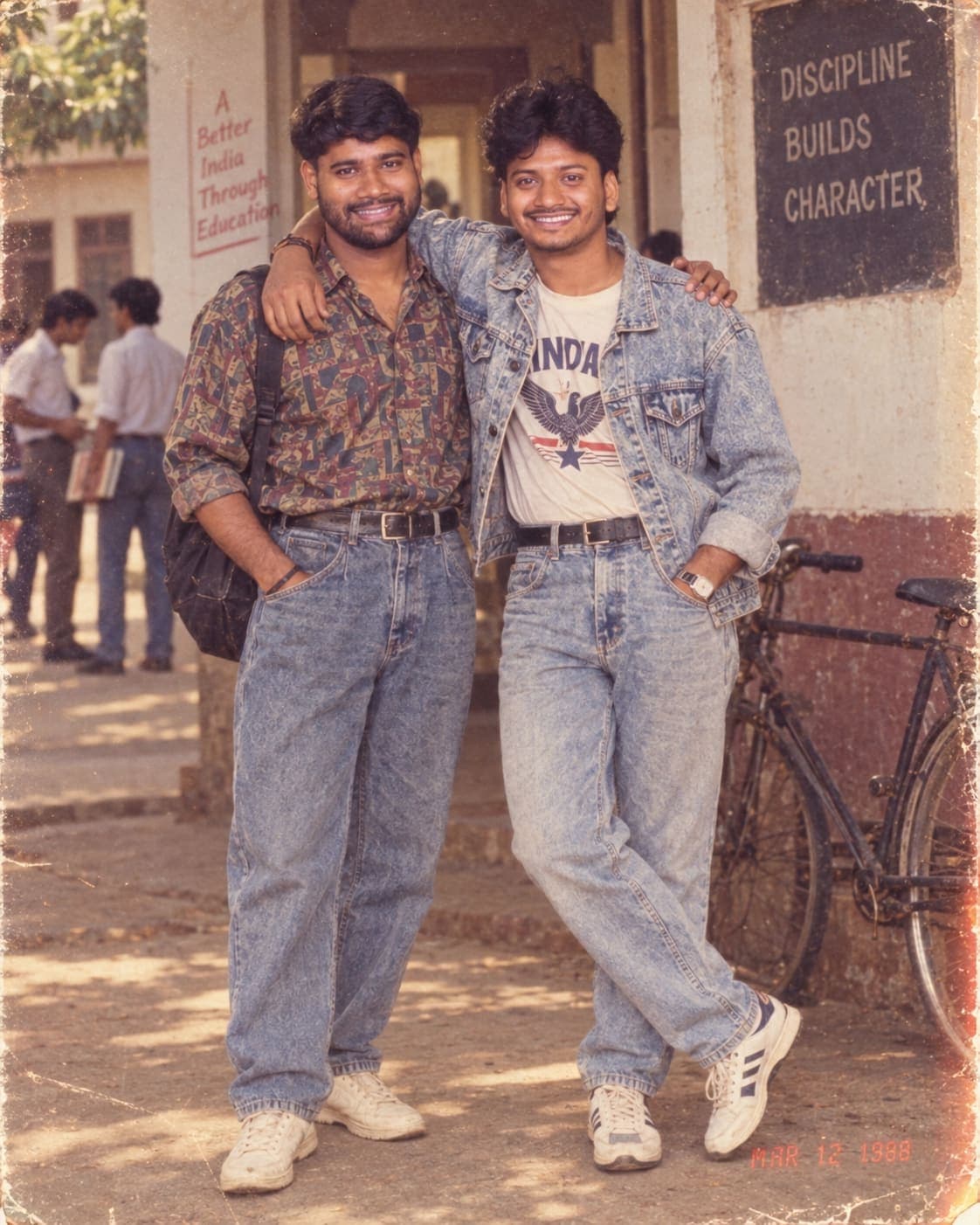
Transform your modern photos into authentic-looking 1980s Indian memories with this powerful AI prompt. 📸✨
Recreate vintage fashion, hairstyles, Indian streets, homes, college scenes and celebrations while keeping the original person’s face and identity as accurate as possible.
Perfect for creating nostalgic 1988-style film photographs with warm faded colors, realistic grain, soft focus, scratches and classic old-camera vibes.
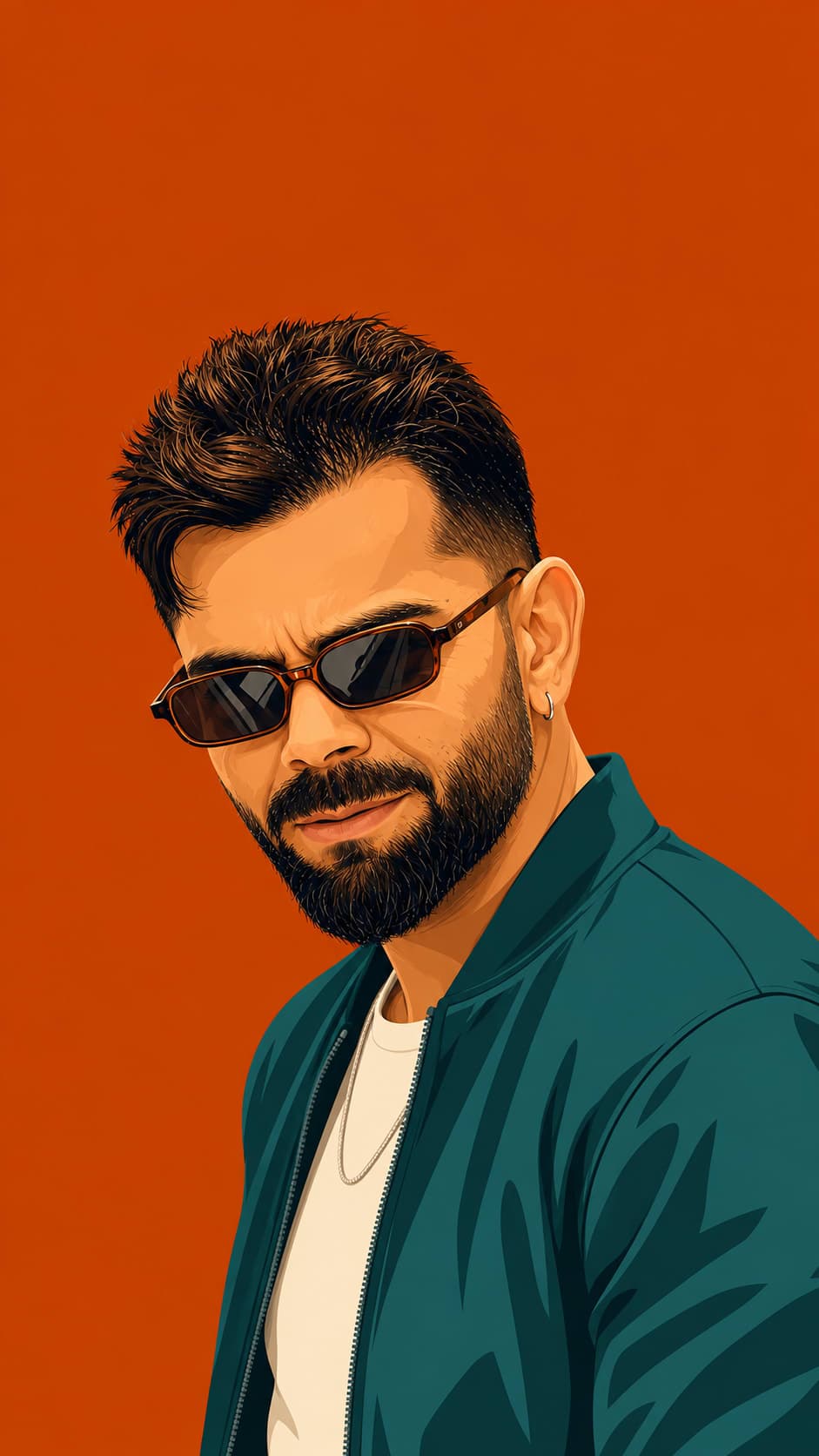
Transform your reference photo into a striking 9:16 flat-vector poster with highly accurate facial features, clean linework, bold saturated colors, and a stylish three-quarter pose. Pair the subject with a monochrome background, sharp casual-formal outfit, vintage sunglasses, and a premium high-fashion editorial aesthetic.