Black & White Embroidered Floral Portrait Effect (AI Photo Prompt) | Makeframe
IG postsChatGPT ImageBeginnerAI Image & Design
Black & White Embroidered Floral Portrait Effect (AI Photo Prompt)
Transform any portrait into a timeless black-and-white vintage photo with vibrant hand-embroidered floral stitches. This AI prompt preserves the subject's face, pose, outfit, and lighting while adding realistic stitched flowers, vines, and botanical details for a dreamy mixed-media aesthetic. 🌸
Free
0 copies
The prompt
Transform this photo into a black-and-white base with hand-embroidered floral illustrations stitched on top.

PHOTOREALISM LOCK (do not break):
— Keep every face, skin texture, hair, expression, pose, outfit, and background exactly as captured — same identity, same likeness, same proportions.
— Do not smooth skin, do not reshape features, do not add makeup, do not change clothing or body position.
— The photographic subject must look completely untouched; only the added embroidery is illustrated.

BLACK & WHITE CONVERSION:
— Desaturate the entire photograph to grayscale with a soft, slightly faded vintage tonal range (not harsh modern high-contrast B&W) — like an old film print with gentle grain.
— Preserve all photographic detail and depth; do not flatten shadows or blow out highlights.

EMBROIDERY OVERLAY — read the photo first:
— Look at what's actually happening in this image — the setting, objects, mood, and story — and choose floral and botanical motifs that feel intentional for THIS photo, not generic. Let the design echo real elements already in the frame (a road becomes a trailing vine along its edge, a window or mirror gets a stitched frame traced around it, an open sky holds a scattered flower cluster, two people close together get a soft wreath connecting them).
— Build the embroidery from authentic hand-stitch types: satin-stitch flower petals, French-knot centers, chain-stitch or stem-stitch vines and stems, lazy-daisy leaves, and the occasional simple backstitch outline or heart.
— Stitch lines must look genuinely hand-sewn: uneven width, slight wobble, tiny gaps and overlaps, imperfect spacing between stitches. Never render smooth, uniform, vector-clean outlines — that reads as digital, not embroidered.
— Colors must be vivid and saturated, not muted or pastel — bold, high-chroma thread tones (think saturated marigold yellow, hot coral, deep rose pink, rich lavender/violet, grass green) that pop hard against the grayscale background. Read the photo's existing tone to choose which vivid colors feel right, but the saturation itself should stay bright and punchy in every case, never dusty or washed out.

PLACEMENT RULES — avoid a border/frame layout:
— Do NOT limit the embroidery to the photo's edges or corners only. The default of a flower "frame" running around the perimeter while the center stays empty is wrong for this look.
— Instead, let blooms and vines move in close to the subject: growing up from near their shoulder, trailing along an arm, tucked beside their head or hip, sitting right next to their hands — as if the flowers are sharing the same space as the person, not just decorating the photo's border.
— Never stitch over a face or eyes, and don't cover key details of the subject (hands, expression, held objects) — work around them, letting stems curve past and blooms sit in the gaps right beside the body.
— Some clusters can still live in the open background/negative space, but the strongest, largest blooms should feel anchored to and interacting with the subject itself.
— Vary flower and leaf scale for depth — a few larger focal blooms placed close to the subject, smaller filler flowers and dots scattered further out.

OUTPUT:
— Same aspect ratio, crop, and framing as the original upload.
— High resolution, no watermark, no added text or borders unless the embroidery itself forms a frame shape.


---
3388 characters
Use this prompt in
How to get the most from it
Use a high-quality portrait with natural light.
Keep the face and pose unchanged.
Use soft vintage black & white.
Add bold embroidered flowers close to the subject.
Export in the original aspect ratio. 🌸
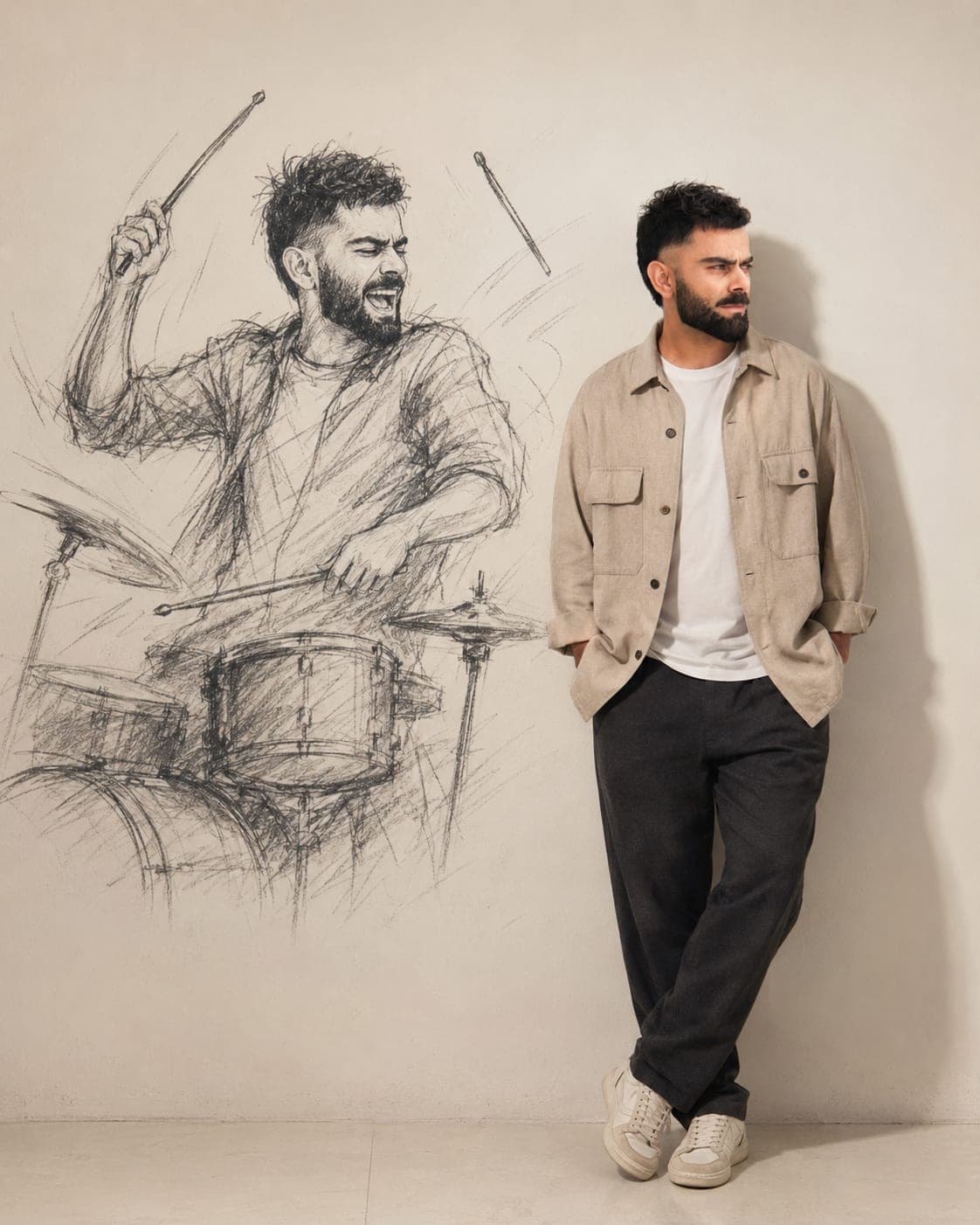
Turn your photo into a cinematic AI portrait where your real, photorealistic self stands beside a larger-than-life charcoal sketch version of yourself. Keep the facial features, hair, beard, proportions, and skin tone consistent while creating a creative contrast between reality and imagination.
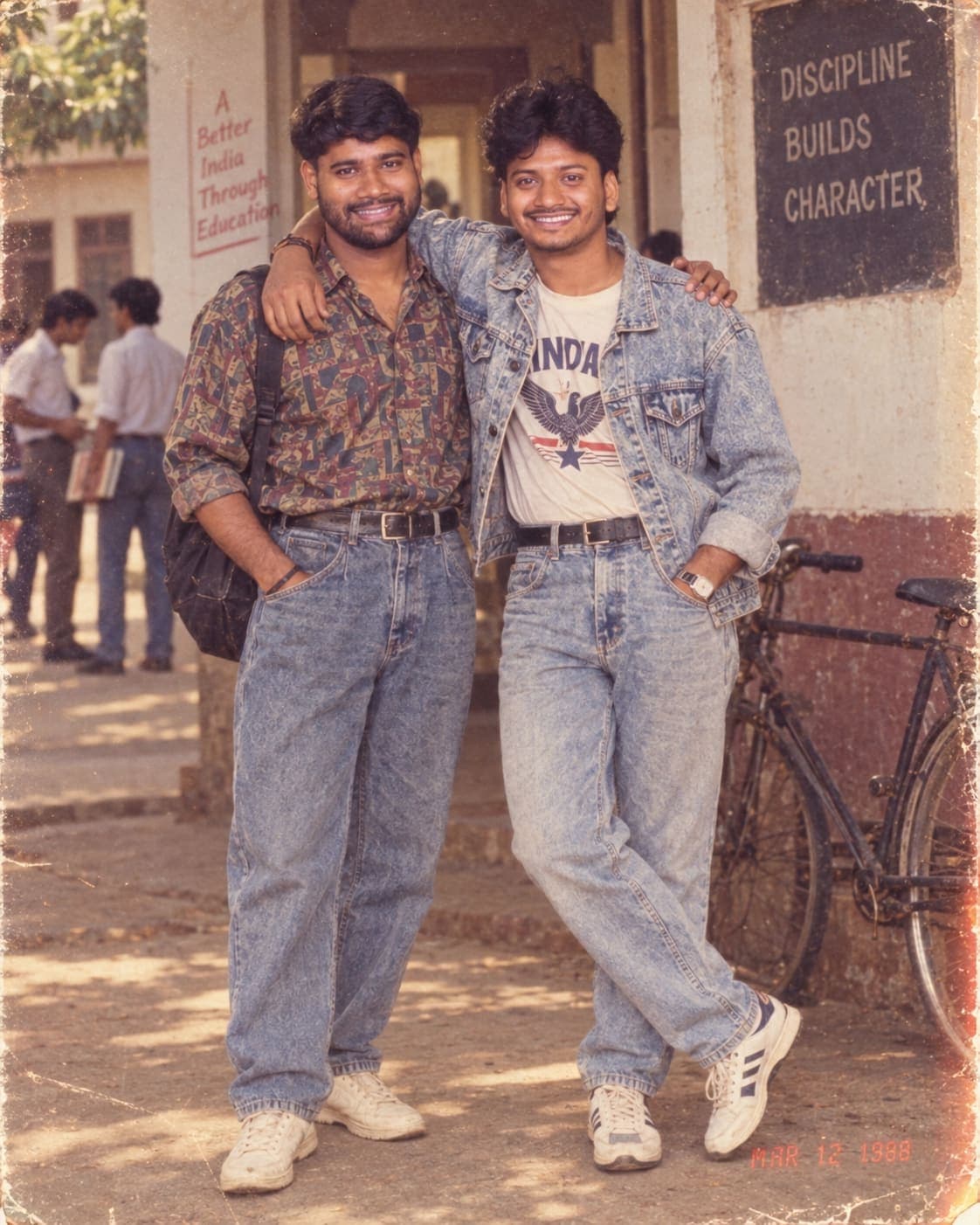
Transform your modern photos into authentic-looking 1980s Indian memories with this powerful AI prompt. 📸✨
Recreate vintage fashion, hairstyles, Indian streets, homes, college scenes and celebrations while keeping the original person’s face and identity as accurate as possible.
Perfect for creating nostalgic 1988-style film photographs with warm faded colors, realistic grain, soft focus, scratches and classic old-camera vibes.
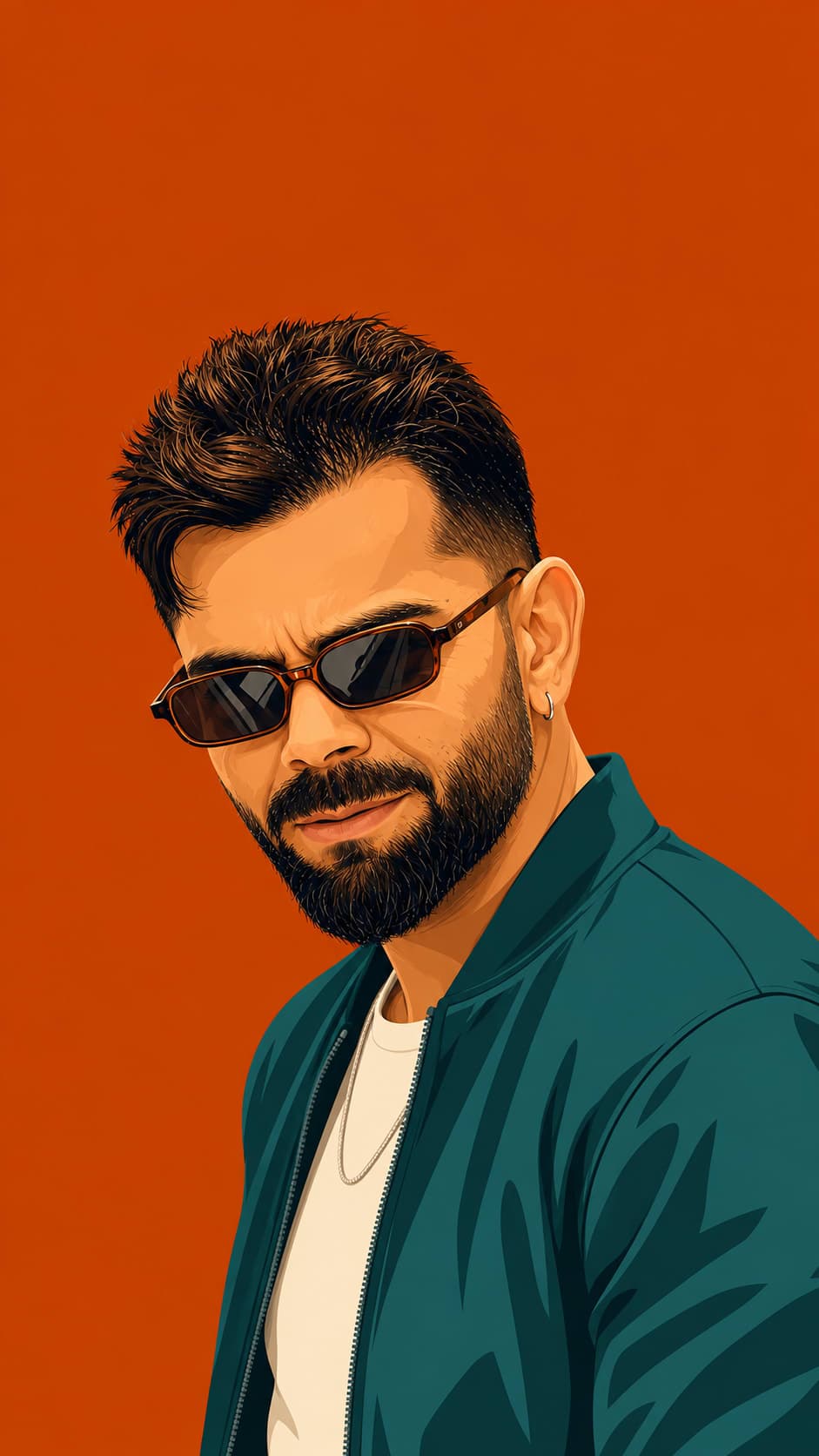
Transform your reference photo into a striking 9:16 flat-vector poster with highly accurate facial features, clean linework, bold saturated colors, and a stylish three-quarter pose. Pair the subject with a monochrome background, sharp casual-formal outfit, vintage sunglasses, and a premium high-fashion editorial aesthetic.